














"Do I need a professional studio?" "Should I buy €200 headphones?" "Is the family computer good enough?" These are the most common questions we get from people about to start online music lessons. The short answer is: no, no, and yes. The long answer is this article, but it boils down to one line: a computer, even a very basic one, and an external microphone, even a very cheap one. Those two things alone already give excellent results.
The two things that really matter
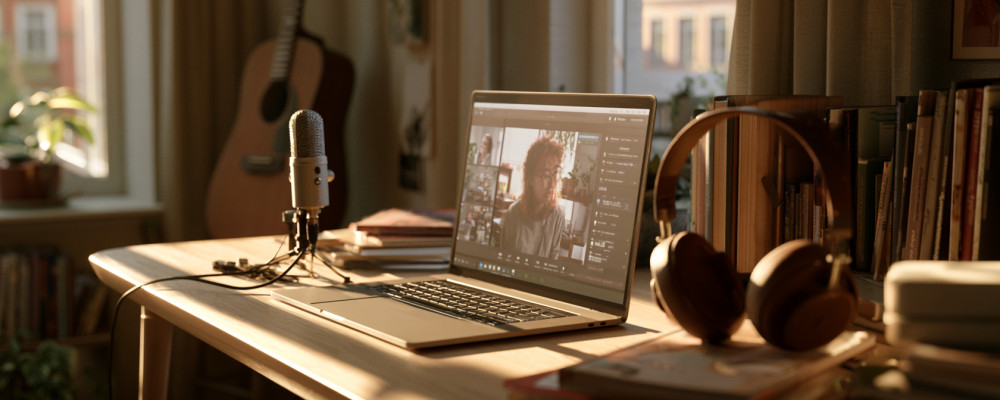
A computer from the last few years and an external microphone: nothing else is needed for good quality lessons. Everything else — better webcams, studio headphones, lights, stands — is finishing touches you add over time, and none of them changes the lesson as much as the microphone does.
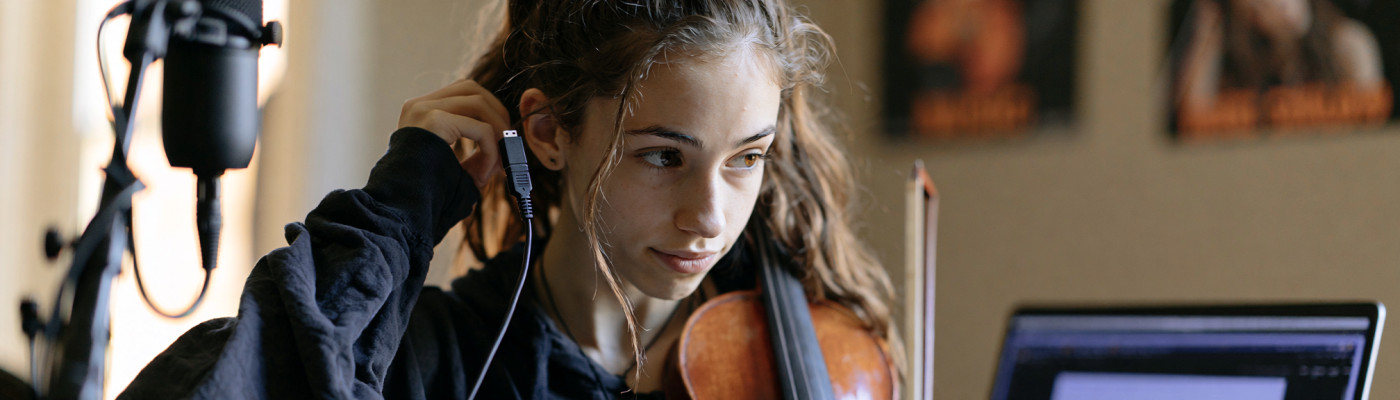
Why the microphone specifically. The one built into your laptop is designed for a speaking voice a metre away, not for a musical instrument: it compresses, filters and cuts exactly the frequencies that matter in music. A €25-35 USB microphone immediately changes what your teacher hears, and remains the purchase with the best ratio between cost and result.
Phones and tablets: great for listening, not for transmitting
It is worth being explicit, because this is the choice we see made most often. Smartphones and tablets are perfectly fine today for following a lesson: listening, watching a demonstration, reviewing a recording. They are not equally fine for transmitting your own sound, because built-in microphone technology does not allow the filters to be fully switched off — and those filters are designed precisely to remove what in music is information.
Can you take a lesson from a phone or a tablet? Yes, and in some situations it beats skipping it. Will you get the best results? No. If you have a computer, use the computer.
Physical space: the room does half the work
A small room with rugs, a bookcase and curtains is infinitely better than a large empty hall. Echo is enemy number one of audio quality in online lessons. If your room has bare walls and an obvious echo, a blanket or two rugs are enough to reduce the problem dramatically. No purchases, just rearranging what you already have at home.
€0 setup: start right away
- A computer from the last 5 years: a modest machine is fine too
- An up-to-date browser: Chrome, Edge or Opera
- Wired headphones (your phone's earbuds work fine): they get rid of the annoying sound feedback
- A quiet room: close the door, switch off any fans nearby
A note for Mac users. We recommend Chrome, Edge or Opera even to those who normally browse with Safari. On Safari the system's audio filters cannot be fully switched off, and stereo transmission is not guaranteed: two limits you certainly hear in a music lesson.
With this setup you do your first lesson and see what would improve things most. The answer, almost always, is the microphone.
€50 setup: the step up in quality
- An inexpensive USB microphone (Fun Generation USB One ~€25, FIFINE K669B ~€35): this is the purchase that immediately changes how your instrument and voice come across. For details on models see our guide to microphones under €100.
- The desk stand included in the box is enough. A boom stand or an articulated arm (~€10) is convenient, not essential: you will add it later, if you find you want the microphone closer to the instrument.
- Any light in front of you. You do not need a vlogger's lamp: it is enough that the room is lit and the light comes from the front, not from behind. The desk lamp you already own works fine.
€150 setup: like an advanced student
- A better microphone (Samson Q2U ~€70, AKG Lyra ~€80) — the step from entry level to prosumer is audible.
- An external 1080p webcam (~€50): the laptop webcam is often the weak spot, especially in less than ideal light.
- Entry-level closed studio headphones (~€35-50): better isolation, balanced bass, comfortable even for hour-long lessons.
Three mistakes not to make
Wireless Bluetooth headphones. They are convenient but introduce variable latency (50-200 ms) and in many situations switch automatically to "phone call" mode, which halves audio quality. For lessons: wired headphones, always.
Transmitting from a phone or tablet when you could use a computer. It is the single choice that costs the most quality, for the reason seen above: the built-in microphone's filters cannot be turned off, and they work against music.
Browser audio filters left on. Almost every browser has noise cancellation and echo cancellation on by default. They are declared enemies of music. For uwClassrooms we tell you step by step how to turn them off on our technical requirements page.
The 5-minute check before your first lesson
- Open the browser and log in to uwClassrooms 5 minutes before your slot.
- Check the microphone: the VU meter should move when you play softly and rise high when you play loud, but without hitting the ceiling.
- Check the webcam: light should come from in front (a window or a lamp). If it is behind you, you look like a dark silhouette.
- Test with your voice: say "one-two-three" and check that you hear it clearly in the headphones.
- Restart the browser if you have been running other heavy programs for hours: free memory makes a difference.
In short
Do not wait to "be ready" before starting. The computer you have at home and an external microphone costing a few tens of euros cover almost everything you need: start there, do the first lesson, and add the rest only when you feel something is missing. In order, the things that genuinely improve matters are the microphone, then the lighting, then the webcam. The computer and the connection, hardly ever.
Would you like a full check of the requirements for uwClassrooms? It is all here.