














If you've ever tried to take an online music lesson with your computer's built-in microphone, you already know the problem: the voice comes through fine, but the piano sounds like a cardboard box, the violin loses its vibrato, the acoustic guitar flattens out. It's not the Internet's fault, it's the microphone's fault. The good news is that with less than €100 of investment you can radically change the quality of your lessons — and you don't need to be a sound engineer to choose the right one.
The built-in microphone isn't made for music
Laptop microphones (and even more so those of tablets) are designed for work meetings: they record a very narrow audio band, apply automatic filters to cancel out "noise" — but to a microphone the piano is noise — and dynamically compress the sound. The result is an intelligible voice and everything else sacrificed. For a singing, instrument or theory lesson with musical examples, it's a technical constraint worth removing right away.
Condenser or dynamic? The 30-second rule
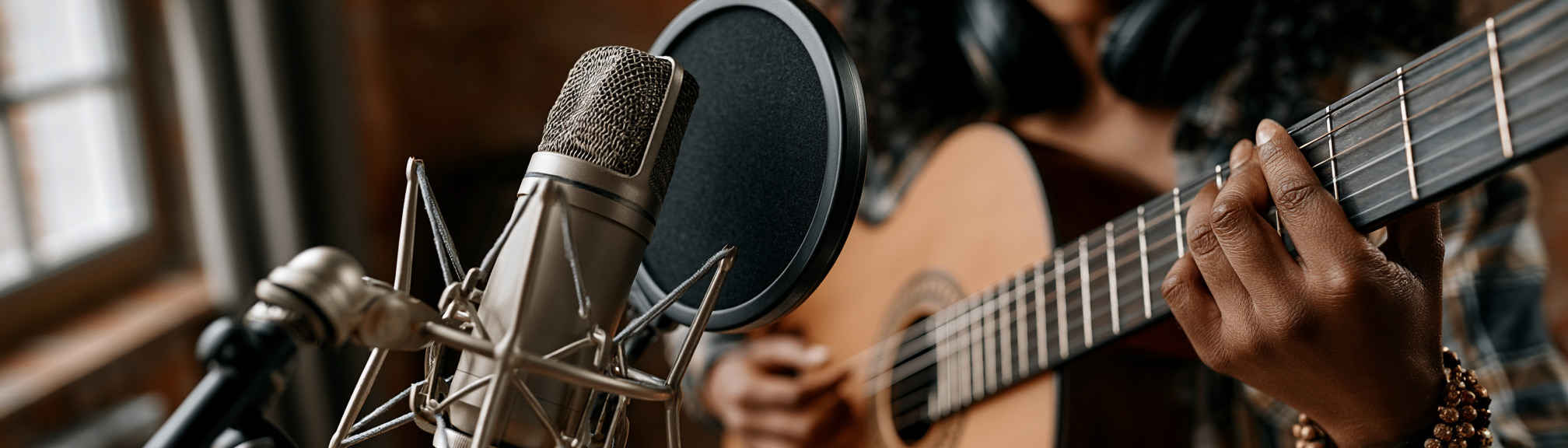
The microphones you'll find recommended for online lessons are divided into two families. Condensers are sensitive and detailed: they capture the timbre of a voice or an acoustic instrument very well, but they also pick up everything in the surrounding environment. Dynamics are less sensitive: they only pick up what you actually have in front of them, ignore the room, and are perfect if you don't have acoustic treatment.
Rule of thumb: if your room is quiet and well-dampened (rugs, bookcase, curtains), a condenser will give you more detail. If you have echo, noisy neighbors, or work in large rooms, a dynamic will give you a more professional result with less effort.
Four USB microphones recommended under €100
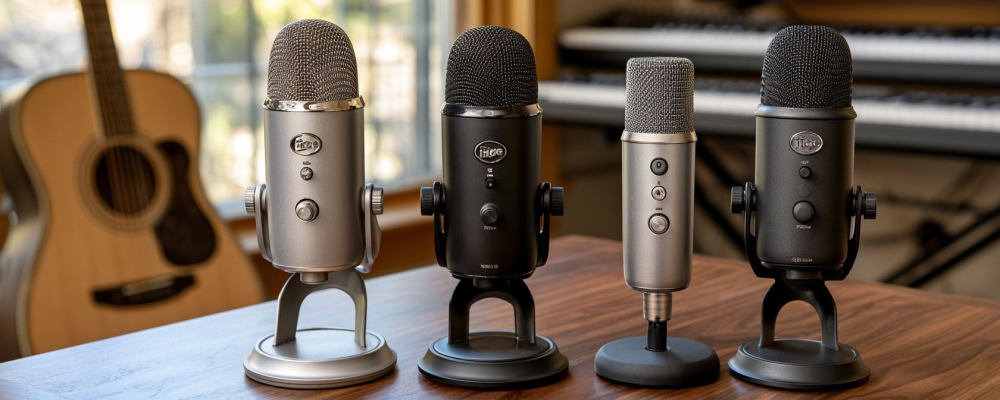
All the models below are USB plug-and-play: you connect them to your computer and they work right away, without the need for an external audio interface.
- Fun Generation USB One — about €25. Entry-level condenser, excellent value for money for spoken voice, theory lessons, quick demonstrations. Replaces the laptop microphone with an immediate quality leap.
- FIFINE K669B — about €35. Very popular cardioid condenser among teachers and creators. Clean sound, good frontal capture, ideal for solo voice and acoustic guitar at close range.
- Samson Q2U — about €70. Cardioid dynamic with dual USB and XLR output (useful if you'd like an audio interface in the future). Works very well in less-treated rooms, perfect for singers who move around and for teachers who speak at varying distances.
- AKG Lyra — about €80. Condenser with four pickup modes (cardioid, omni, stereo, front+back). Stereo mode is excellent for piano, strings and winds, because it conveys the spatiality of the instrument — something mono microphones can't do.
If you have to choose a single "all-rounder" model for general teaching, the Samson Q2U is the safest choice. If, on the other hand, your priority is sonic detail for acoustic instruments, the AKG Lyra in stereo mode makes a noticeable difference compared to any other model in its price range.
Positioning: 50% of the final result
Even the best microphone sounds bad if it's positioned badly. Three practical rules:
- Spoken voice and singing: 15–20 cm from the mouth, slightly off to the side to avoid plosives (the "p", "b", "t" sounds). A €5 pop filter further improves the quality.
- Acoustic guitar: 30 cm at the level of the 12th fret, not in front of the soundhole (it sounds too bassy).
- Piano: for an upright, 1 meter behind the performer with the microphone in stereo mode if possible. For a baby grand, on the edge of the case on the hammer side.
Three mistakes to avoid
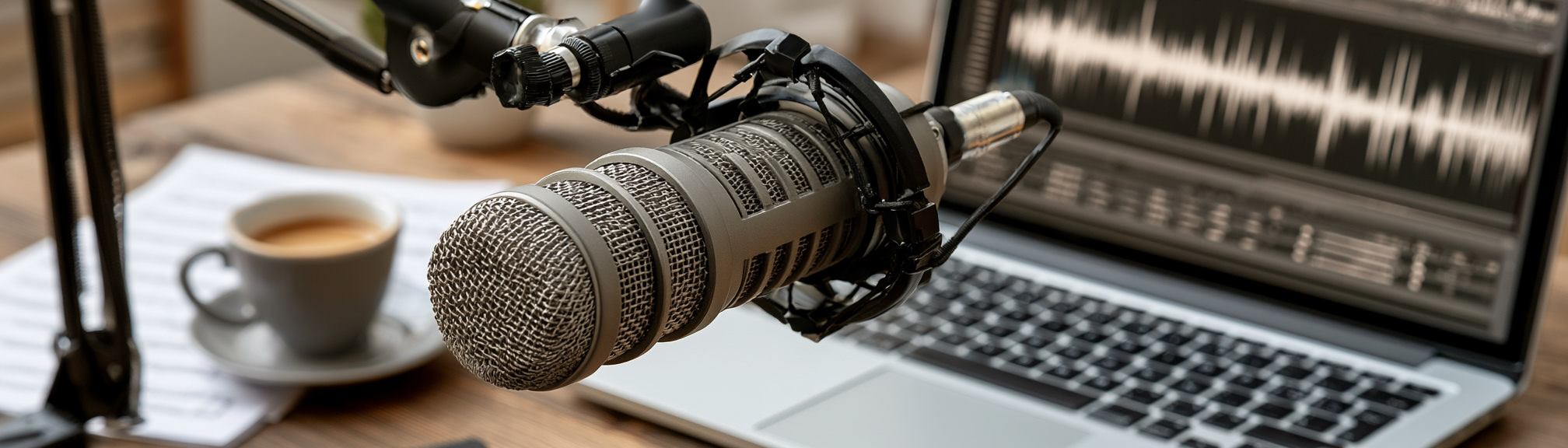
Microphone too close to the sound source. For close-range voice you record breath, plosives and tongue clicks. For acoustic instruments it's even worse: the microphone goes into saturation on attack transients, "thickens" the lows of the acoustic guitar, returns a "boxy" piano, exaggerates the aggressive attack of the bow. Respect the distances indicated above (15–20 cm from the mouth, 30 cm from the guitar's 12th fret, 1 meter from the upright piano, 50–80 cm from winds) and — for the voice — add a €5 pop filter for plosives.
Microphone placed in the middle of the table. It picks up the computer keyboard, chair creaks, vibrations of a digital piano on the same surface, the foot tapping of someone keeping time. Use a desktop boom arm (€15) or a tripod to isolate the capsule from the work surface: this applies to voice, and even more so to every acoustic instrument.
Noise cancellation filters active in the browser or operating system. They're great for meetings, but they carve away the harmonics of acoustic instruments and the timbral nuances of the sung voice. Go to the audio settings of your browser or operating system and disable "Noise Cancellation", "AGC", "Echo Suppression" before every lesson: the piano regains its body, the strings recover their vibrato, the voice becomes brilliant again.
In summary
With 30–80 € of investment you replace the biggest limitation of an online lesson: the audio. The right microphone is the one that adapts to your room and your instrument, not the most expensive one. If you're a beginner, start with the Samson Q2U; if you want the quality leap for acoustic instruments, the AKG Lyra in stereo is unbeatable at that price.
Want to know what technical requirements you really need to teach on uwClassrooms? Find our complete guide here, with comparison videos between models.