














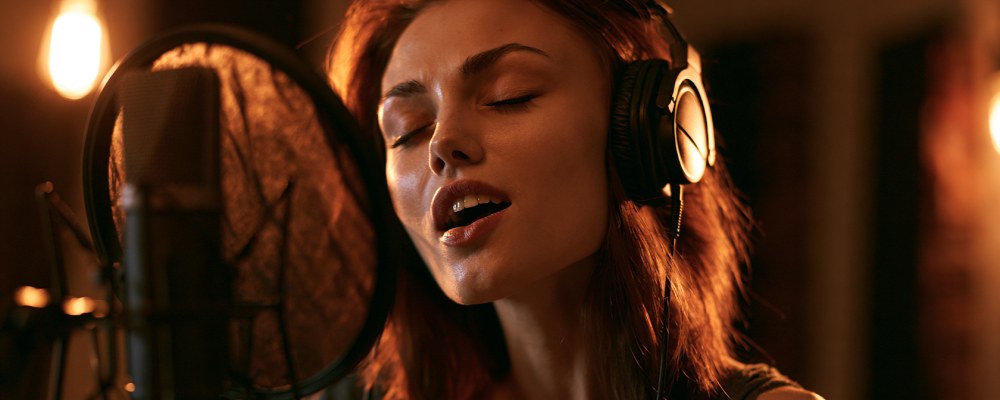
“My teacher can't hear the nuances.” “My high notes sound strange.” “They tell me my vibrato doesn't come through.” If you're a singer or a singing teacher and you teach lessons on Zoom, Teams, or Meet, you've heard or said these phrases. It's not your microphone. It's almost certainly not your connection. It's what's called DSP processing — Digital Signal Processing — that video conferencing platforms automatically apply to audio. It works great for business meetings. It systematically destroys singing.
Three filters every generic platform applies

1. Noise cancellation. It's designed to remove background noise in meetings — the hum of the air conditioner, the keyboard, traffic outside the window. The problem: algorithms don't distinguish between “noise” and “musical harmonics of the sung voice.” The high frequencies of singing — sibilants, vocal formants, vibrato — get eroded as if they were background noise. The result: a metallic, dry voice with no brilliance.
2. Automatic Gain Control (AGC). Designed to “normalize” the volume of whoever is speaking — quiet speakers get boosted, loud speakers get lowered. For singing: the dynamics of pianissimo get “raised,” those of fortissimo get “lowered,” and the musical difference between crescendo and diminuendo gets erased. The student doesn't hear the teacher's real dynamics, and the teacher doesn't hear the student's.
3. Voice equalization (voice EQ). Some platforms apply an equalization curve “optimized for spoken voice,” which emphasizes certain frequencies (presence, intelligibility) and cuts others (bass, extreme highs). For singing, where all vocal color depends on the balance between registers and harmonics, this default equalization alters the student's real timbre.
The cumulative effect
The three filters work in cascade. The final result, as heard by the teacher, is a voice with: less brilliance (noise cancellation), less dynamics (AGC), altered timbre (EQ). Three factors that are exactly what a singing teacher needs to be able to hear to do their job. It's like asking a sommelier to evaluate a wine after putting it through the microwave.
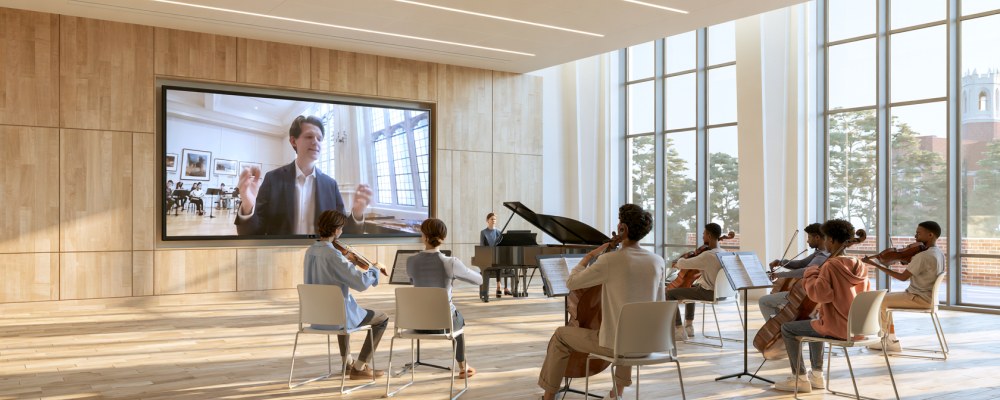
Not just voice: instruments suffer the same fate. The same DSP filters applied to spoken voice are just as destructive with acoustic instruments. The piano loses brilliance and pianissimo dynamics, strings lose vibrato and high harmonics, wind instruments lose timbral color and pitch subtleties, acoustic guitar flattens out on transients. An instrument lesson on Zoom undergoes the same compromises as a singing lesson — except that teachers often don't attribute them to the filters but to a “general limitation of technology.” It isn't: the filters are the first thing to address.
How to disable the filters (browser by browser, system by system)
Chrome (Windows/Mac/Linux):
- Open
chrome://flags - Search for “WebRTC noise suppression”
- Set it to “Disabled”
- Restart the browser
Edge (Windows): same procedure as Chrome, using edge://flags.
Safari (Mac): System Preferences → Sound → Input → make sure “Internal Microphone” doesn't have “Ambient Noise Reduction” turned on. In Safari, WebRTC restrictions can't be disabled from the interface, which is why Chrome remains the recommended choice for serious singing lessons.
macOS (operating system): in recent versions of macOS there's a “Voice Isolation” setting available from Control Center during a call. It should be set to “Standard” or “Wide Spectrum,” never to “Voice Isolation.”
Windows 11: Settings → System → Sound → Microphone → turn off “Microphone audio effects” (if present).
Microphone and headphones: the minimum setup for singing online
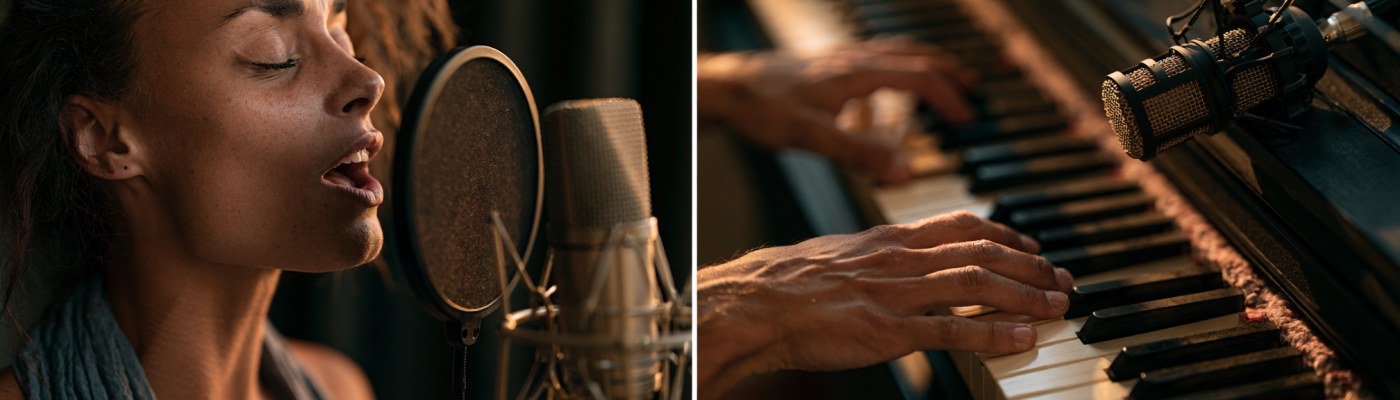
Even with the filters disabled, some hardware choices make a huge difference:
- USB condenser microphone (FIFINE K669B, AKG Lyra) or dynamic if the room has echo (Samson Q2U). The laptop's built-in microphone, even without filters, isn't enough.
- Pop filter 5–10 cm from the microphone. Essential to avoid plosives (p, b, t).
- Wired closed-back headphones. No Bluetooth (variable latency). Closed-back headphones prevent the teacher from hearing their own audio bleeding back in while you sing.
- Variable distance from the microphone depending on dynamics: closer on pianissimo, farther on fortissimo. You control this with your head, not with the computer's volume.
Why uwClassrooms is different
uwClassrooms doesn't apply DSP filters by default. The student's audio reaches the teacher with real dynamics, real sibilants, real harmonics. It's a design choice: the platform was built for music, not business meetings, and the use case it must serve well is exactly that of a singer working with their teacher remotely. The difference is audible within 10 seconds of the first note.
In summary
The DSP filters of generic video conferencing platforms are the number one enemy of the online singing lesson. Disabling them in the browser and operating system improves things even on Zoom or Teams, but the limitation of compressed audio bandwidth remains (32 kHz mono for Zoom and Teams). A platform with 48 kHz stereo audio and no active DSP filters returns a voice exactly as it is — and that's the only realistic condition for serious remote singing lessons.
Are you a singing teacher and want to try the difference? Sign up for free on uwClassrooms and try a trial lesson with one of your students.