- Home
- Platform
- Platform
- Solutions
- For Schools
- For Teachers
- Why uwClassrooms
- Pricing
- Teachers
- Schools
- Resources
- Video guides
- Requirements
- Microphones & recorders
- Blog
- Sign up
- contacts
- Login
-
-










Trusted by international academies and world-renowned soloists
The complete platform for music education
Professional audio for music
uwClassrooms has acoustic characteristics that set it apart from any other platform. Audio is always the priority.
Quality
Frequency response 20-20,000Hz, 48kHz sampling at up to 512Kbps bitrate, low latency.
Filters
No automatic compressors or filters. With headphones, the echo filter can also be disabled to perceive timbres and dynamics without alteration.
VU-meter
Real-time monitoring of microphone input levels for manual volume adjustment.
Sources
Support for mono and stereo microphones, selectable from the virtual classroom menu.
Configurations
5 selectable quality levels: from 64 kb/s mono (slow connections) to 512 kb/s stereo (maximum quality).
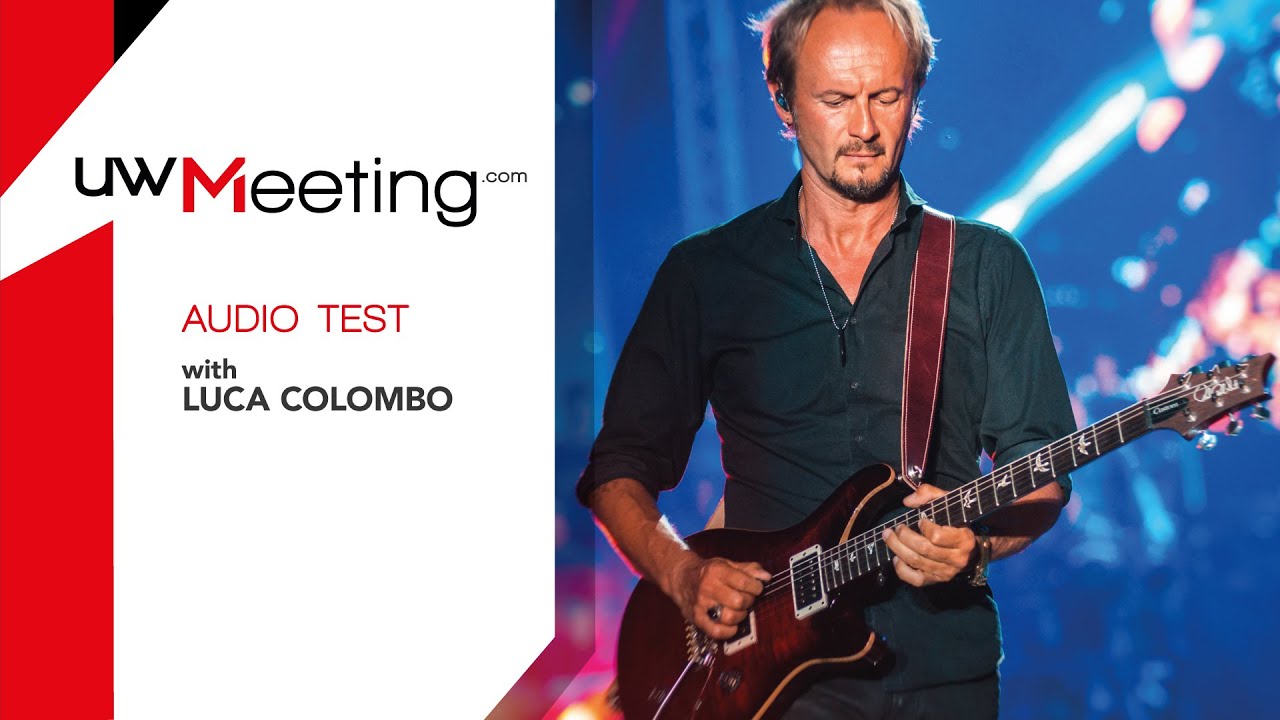
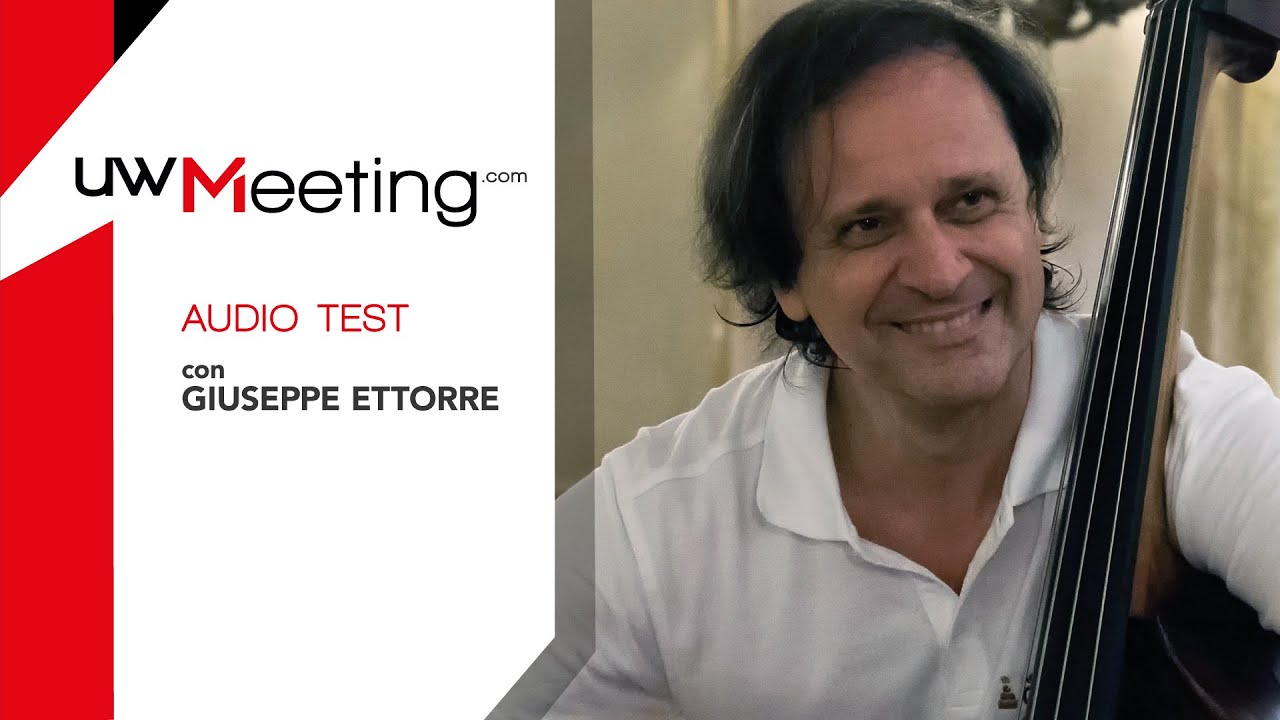
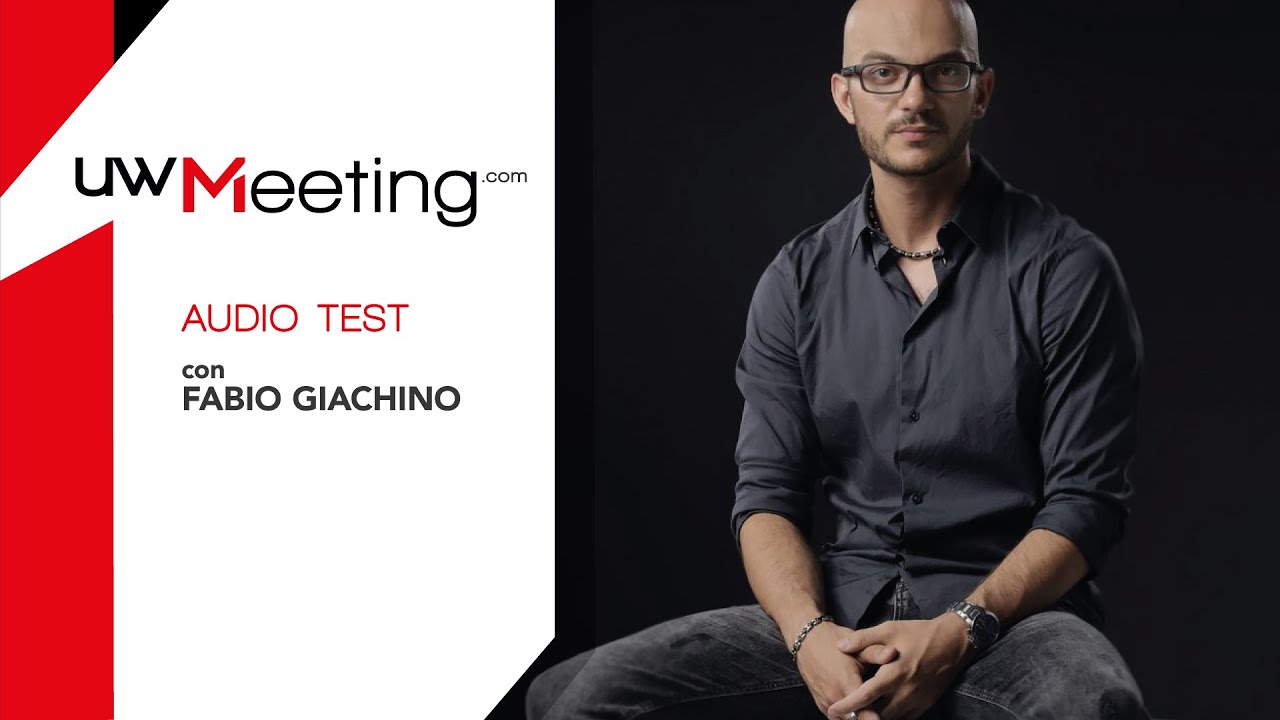
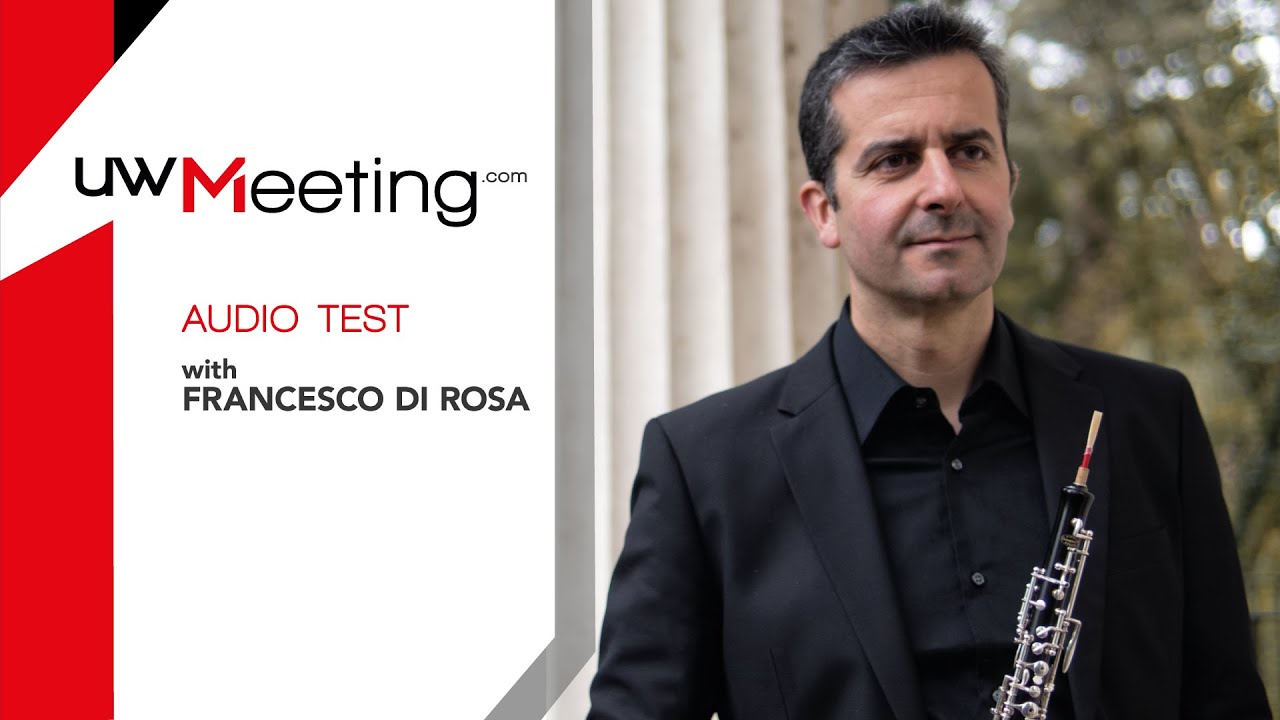
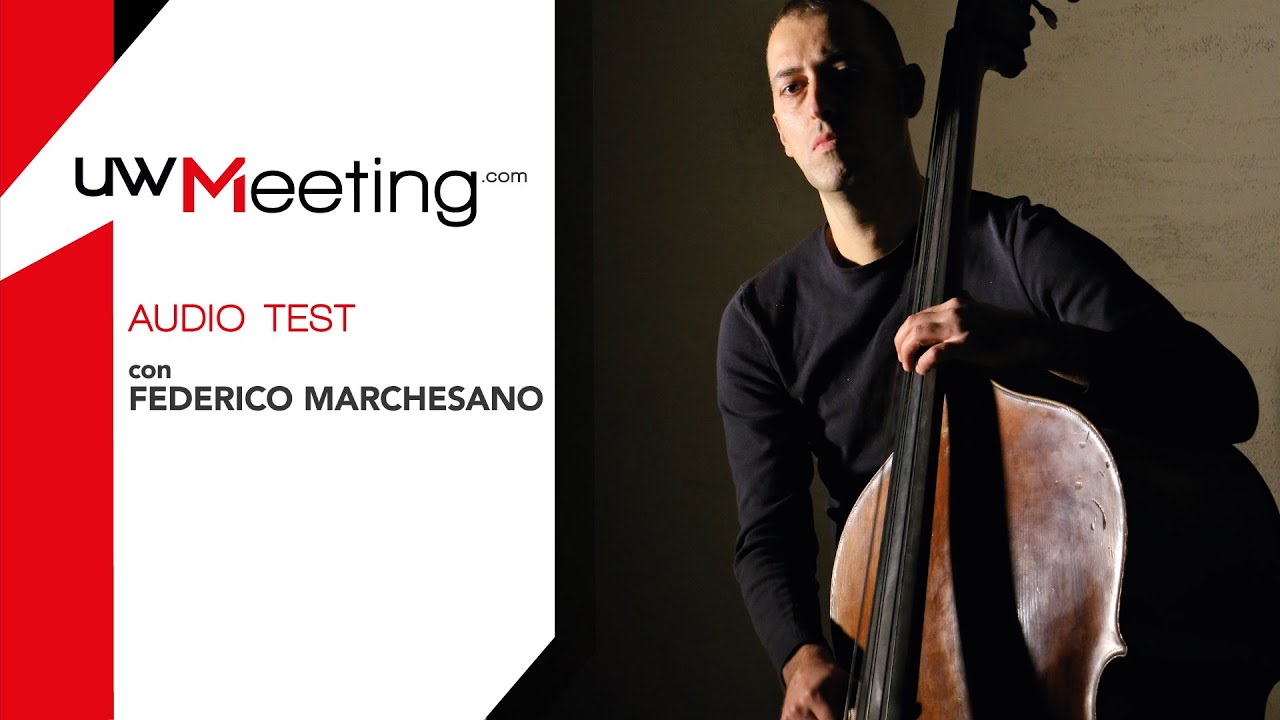
Hear the difference
Adaptive video
When your connection is poor, reduce video quality to maintain the best audio quality.
Resolutions
320x240, 640x480, 1280x720, 1920x1080 pixels. Adjustable during the lesson.
- 480×320px — Low
- 720×480px — Medium
- 1280×720px — High
- 1920×1080px — Full HD
Recordings and archive
Lesson video recording in 3 formats. 3-month archive with automatic deletion.
- 720×480px — SD
- 1280×720px — HD
- 1920×1080px — Full HD
MP4 files encoded with AAC at 128 kbps, mono audio.
Frame rates
1, 7, 15, 30 fps. Manually adjustable to balance video and audio.
Sources
Up to 9 webcams, controllable via numeric keypad.
The simplest virtual classroom for music
Few buttons for all available actions. Designed for musicians, not IT specialists.
Individual lessons
Full screen, split view, VU-meter, mute, webcam switch, text chat, countdown.
Group lessons
Up to 100 users per lesson (teacher, students, listeners, admin, support), with up to 20 active on screen.
Text chat
Share texts, links and notes during the lesson.
Split view
Split screen to view teacher and student simultaneously. Ideal for pianists and wind instrumentalists.
Online support
In-lesson support from administrative staff. Monitored and flagged access in the classroom.
10 languages
Italian, English, German, French, Spanish, Portuguese, Chinese, Japanese, Russian, Korean.
The complete management system for music education
- Courses
- Administrators
- Teaching staff
- Student body
- Real-time verification
- Inspector (attendance monitoring)
- Excel data export
What you need to get started
Computer
- Dual-core CPU (quad-core recommended for Full HD)
- At least 8 GB RAM (16 GB recommended)
- GPU with hardware decoding
- SSD preferred
Most computers purchased in the last 5 years meet these requirements.
Browser
- Chrome, Edge or Opera (recommended)
- Always updated to the latest version
No plugins or extensions to install: it works directly in your browser.
Microphone
- External USB microphone recommended (from €25)
- Examples: Fun Generation USB One, FIFINE K669B, AKG Lyra
Even an inexpensive microphone makes a big difference compared to the built-in one.
Connection
- At least 0.35 Mbps (upload and download) per stream
- HD (720p): 1-1.5 Mbps · Full HD: 3-5 Mbps per stream
Fibre is not required: a standard broadband connection is enough for standard-quality lessons.
