












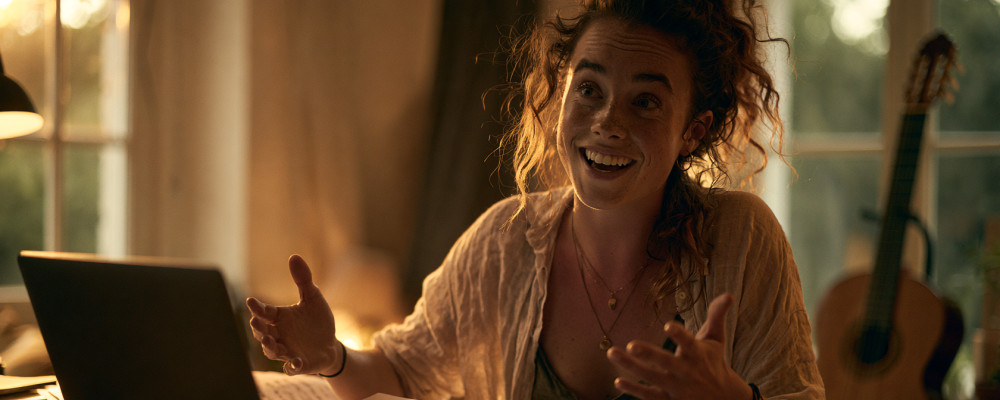
An online music lesson is not an in-person lesson on camera. It has different timing, different attention, different tools. This article does not tell you how to organise your lesson: how to divide the time, what to tackle first and what later, how much space to give technique and how much to repertoire are decisions every teacher makes based on their own experience and on the individual student. Here we only discuss what the medium changes: five practices that at a distance make the difference between a lesson that works and one that frustrates.
What really changes compared to being there in person
Three things. First: the quality of the student's attention is more volatile, because they are sitting at home with every possible distraction. Second: physical feedback (posture, breathing, muscle tension) is something you see but cannot touch — you have to explain it in words. Third: you have tools the classroom never had — recording, a log shared in real time, a second camera angle — and they should be used, because that is where the medium gives back more than it takes away.
1 — The audio check in the first 60 seconds
The first 60 seconds of every lesson go to the technical check. Nothing theatrical: ask the student to play a few bars, listen, and immediately point out whether the level is low, the microphone is clipping or a DSP filter needs turning off. A minute spent at the start saves you from discovering halfway through that you were listening to a compressed sound — and from giving corrections based on what the platform altered rather than on what the student actually played.
2 — The log is filled in during the lesson, not at the end of the day
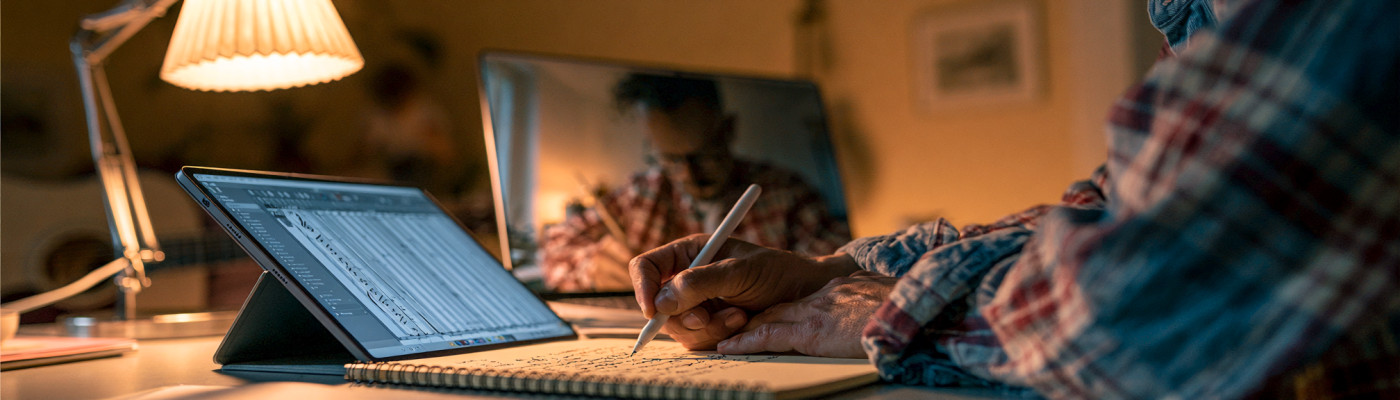
uwClassrooms has a digital log for every student. The difference is not in having it, but in filling it in while the student works on a passage: a line written there and then ("bars 17-24, intonation on the high G") reaches the student immediately, and they find it at home exactly as it was in your head at that moment. By the end of the day you would remember half of those lines.
Over time the log becomes a complete history of the path: extremely useful for you, and the most concrete thing you can put on the table in a conversation with parents.
3 — Record the key moments, not everything
Recording the whole lesson is redundant and nobody listens back to it. Record instead the 30-60 seconds in which you demonstrate a passage, a fingering, an articulation, and send them with a note ("watch the bow at 0:18"). This is something the classroom does not allow: in person the demonstration happens and vanishes, at a distance it stays and becomes a library of micro-models the student can revisit during the week, when they actually need it.
4 — Change the camera angle when needed
If you need to show the violin's left hand or the piano's pedal, move your phone or second webcam for twenty seconds. It is the most common mistake at a distance: spending the whole lesson "pointing at" things that cannot be seen from the front view, with the student nodding without understanding. uwClassrooms supports multiple video sources precisely for this, and it works the other way round too: ask the student to change their angle when you need to look at a detail.
5 — Close with a verifiable assignment
It holds in the classroom too, but online it becomes decisive, because until the following week you have no other way of knowing what happened. "Bars 17-24 at half tempo, and send me a one-minute recording by Friday" is a task that gets you to the next lesson already knowing where to step in. A recording sent during the week is, in a distance path, the closest equivalent to dropping into the practice room to hear how things are going.
In short
The online medium is not a "fallback" compared to the classroom, nor a worse copy: it is a mode with tools of its own. Those who get the best results at a distance are not the ones replicating the traditional lesson in front of a webcam, but the ones using what the medium adds — precise recordings, a log shared in real time, multiple camera angles, verifiable assignments. The rest, that is the lesson itself, remains what it has always been: your craft.
Would you like to try uwClassrooms with your students? Sign up for free here: 30 minutes to see whether it suits you.